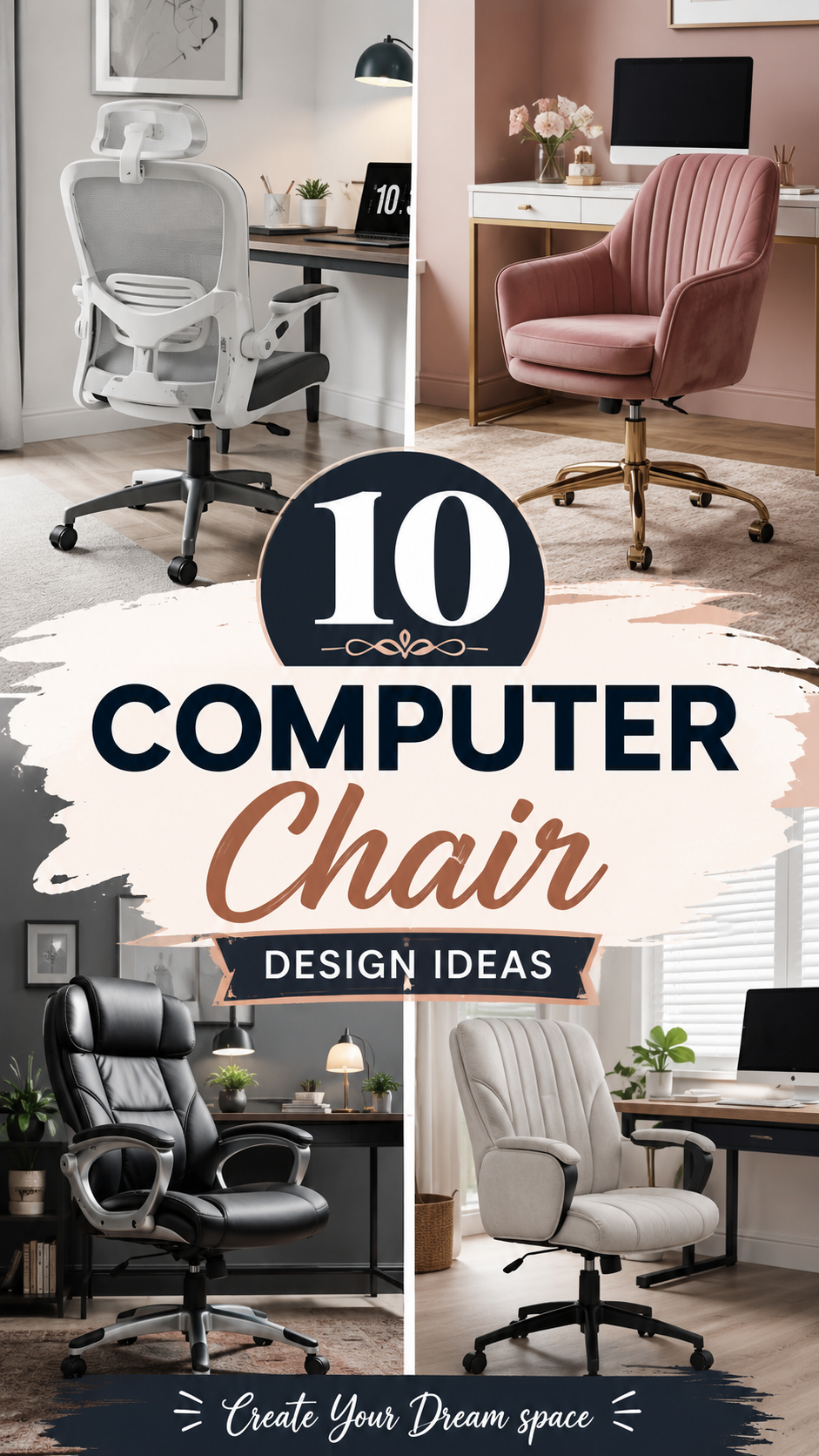
Your chair sees more of you than your bed does.
Think about that for a second. Eight, nine, maybe ten hours a day, parked in the same seat. And yet most of us are sitting in something that looks like it got left behind in a call center from 2009.
It doesn’t have to be that way. A computer chair can be functional AND actually look good in your space. Here are 10 ideas to get you there, whether you’re working with a corner of your bedroom or a full home office setup.
What You’ll Need
- A computer chair (ergonomic, gaming, or accent style, depending on the look)
- Lumbar support cushion or pillow
- Seat cushion (memory foam or gel)
- Desk mat or chair mat for flooring protection
- Casters or wheel stoppers (if upgrading an old chair)
- Fabric or leather reupholstery kit (for DIY makeovers)
- Throw blanket or textured cover
- Small side table or plant stand
- Task lighting (desk lamp)
- Cable management clips or a cable tray
You won’t need all of this for every idea. Grab what fits the look you’re going for.
Pro Styling Tips
1. Match your chair to your desk, not your walls. Your wall color changes. Your desk doesn’t (as often). Pick a chair that plays nice with your desk finish first, and let everything else follow.
2. Height matters more than color. A chair that’s the wrong height will ruin the whole visual line of your desk setup, no matter how pretty the fabric is. Get the proportions right first.
3. Texture beats pattern in small spaces. A bouclé or woven chair adds interest without overwhelming a tight room. Bold patterns can feel busy fast in small home offices.
4. Add one warm element near the chair. A plant, a wood side table, a woven basket. Something that softens the tech-heavy vibe of a desk setup.
5. Don’t skip the mat. A clear or patterned chair mat protects your floor and instantly makes the whole setup look intentional instead of thrown together.
10 Chair Design Ideas to Try
1. The Boucle Statement Chair
Swap your standard mesh chair for a bouclé accent chair on wheels. It’s soft, textural, and honestly looks more like furniture than office equipment.
Best for: Bedrooms doubling as workspaces.
2. Leather and Wood Executive Look
Think camel leather seat, wood base, brass accents. This one says “I have my life together” even if your inbox says otherwise.
Best for: Home offices with a moody, masculine palette.
3. All-White Minimalist Setup
A white or cream ergonomic chair against a white desk. Clean lines, no visual noise. Add one black accent (a lamp, a mug, a frame) to keep it from feeling flat.
Best for: Small apartments, minimalist lovers.
4. Rattan and Wicker Accent Chair
Not every computer chair needs wheels. A rattan chair with a cushion can work beautifully at a small writing desk if you’re not on video calls all day.
Best for: Boho or coastal-style rooms.
5. Bold Color Pop Chair
A mustard, emerald, or terracotta chair in an otherwise neutral room. One bold piece of furniture does more for a space than five small accessories ever will.
Best for: Rooms that feel a little too safe.
6. Gaming Chair Reimagined
Yes, gaming chairs can look good. Pick one in a muted colorway (charcoal, olive, navy) instead of the neon-and-black default, and pair it with warm lighting to soften the tech look.
Best for: Dedicated gaming or streaming setups.
7. Vintage Task Chair Refresh
Find a secondhand wood-and-metal task chair and reupholster the seat in a fabric you love. Old bones, new personality, and a fraction of the cost of buying new.
Best for: DIYers on a budget.
8. Woven Sling Chair
A low-profile chair with a woven or canvas sling seat. Lightweight, casual, and it photographs beautifully if your desk doubles as a content backdrop.
Best for: Creative studios and content creators.
9. Two-Tone Ergonomic Chair
Choose a chair with a contrast back and seat, like grey mesh with a black frame. It reads as more “designed” than a single flat color.
Best for: Corporate-adjacent home offices.
10. The Slipcovered Chair
Cover an existing office chair in a fitted slipcover in linen or cotton. It’s the fastest, cheapest way to change the entire look of your setup without buying new furniture.
Best for: Renters and frequent redecorators.
Tools You’ll Need (For DIY Options)
If you’re going the reupholstery or slipcover route:
- Staple gun
- Screwdriver (for removing the seat panel)
- Fabric scissors
- Measuring tape
- Fabric glue (optional, for trim)
- Iron (to remove creases from new fabric before covering)
Substitutions and Variations
| Original Idea | Budget Swap | Small Space Version | Large Space Version |
|---|---|---|---|
| Bouclé statement chair | Faux bouclé fabric cover over existing chair | Armless bouclé chair | Bouclé chair with matching ottoman |
| Leather executive chair | Faux leather version | Compact executive chair (no headrest) | Full high-back executive chair |
| Rattan accent chair | Rattan-effect resin chair | Chair only, skip the cushion set | Rattan chair plus matching side table |
| Bold color chair | Add a colored cushion to a neutral chair instead | One bold accent only | Chair plus matching curtains or art |
Make Ahead / Prep Tips
- Measure your desk clearance before buying. A chair that looks great online can be too wide for a tight desk nook.
- Order fabric swatches if reupholstering. Screen colors lie more often than you’d think.
- Check your floor type before picking casters. Hard floors need different wheels than carpet.
- Test the chair height against your desk height using a stack of books before committing to a purchase.
Budget Breakdown (Rough Estimates)
- DIY slipcover or refresh: $30 to $80
- Mid-range ergonomic or accent chair: $150 to $350
- High-end leather or designer chair: $400 and up
Style Variations
- Boho: Rattan, woven textures, warm wood tones
- Minimalist: White, black, or grey, clean lines, no visible hardware
- Farmhouse: Wood frame, neutral linen cushion, simple silhouette
- Modern: Bold color or two-tone design, sleek metal legs
Maintenance and Upkeep
- Vacuum fabric chairs weekly to prevent dust buildup in the seams
- Wipe leather or faux leather chairs with a damp cloth monthly
- Tighten screws and check wheel casters every few months
- Rotate or fluff cushions to prevent flattening
- Spot clean spills immediately with a mild fabric cleaner
FAQ
Can a computer chair actually be comfortable AND stylish? Yes. Ergonomics and design aren’t opposites anymore. Brands now build chairs with proper lumbar support in fabrics and finishes that don’t scream “office supply store.”
How often should I replace my computer chair? Most chairs last 5 to 10 years with regular use, depending on quality and how often you’re in it.
What’s the easiest way to upgrade an old chair without buying new? A slipcover or a seat cushion swap. Both take under an hour and change the whole look.
Do I need wheels on a home office chair? Not always. If you’re not moving around much (writing, reading, casual computer use), a stationary accent chair can work fine.
What chair color hides wear the best? Mid-tones like grey, olive, or camel. Pure white shows marks fast, and pure black shows dust and lint.
Wrapping Up
A chair is furniture first, office equipment second. Once you start treating it that way, the whole room shifts.
Pick one idea from this list and try it this week. Swap the cushion. Add the mat. Try the slipcover.
Which one are you trying first? Drop a comment below, I’d love to hear how it turns out.